
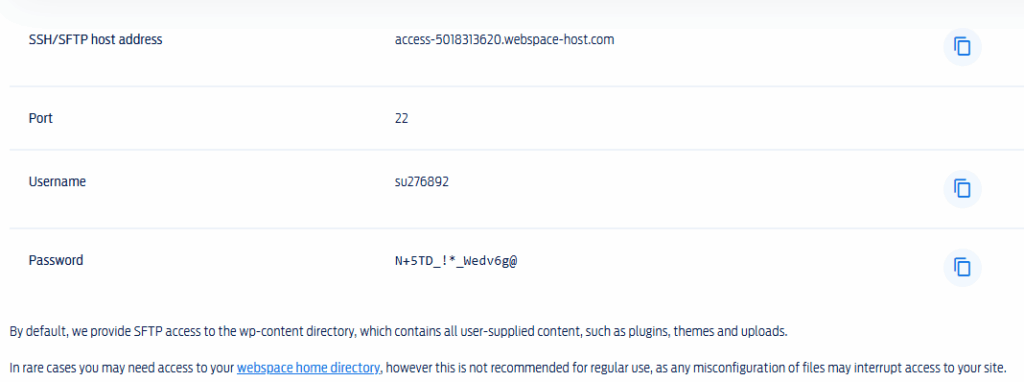
You will need to get the credentials from your Hosting Company. They are available from your websites web hosting panel and look something like this:
Download Filezilla, it’s free and fill out any information requested.
Now we add our website:
Go to the top bar and find Site Manager, create a new site. Name it with a connection to the website, makes it easy when you add more sites.
On the left, fill in the boxes;
Host Address
Port (22)
User Name
Password
Connect
If you’ve connected correctly, you should see two columns.
On the left are the files on your computer, on the right all the files being hosted i.e. your website.
I always advise students to create directories to store files:
Always start in the PUBLIC file, right click and then choose create a directory from the drop down list. Name it i.e. Free Guide Book – Digital Course1 – it makes it so much easier when related files are all in the same place.
When we have files in the created directory, at some point we are going to have to create a link from our website and the document to upload to another site where we are either promoting or selling.
We’ll go over that in the next post.
How to create the URL and shorten the link